
Pinterest is changing fast. Manual pin creation and scheduling no longer work at scale. After working with Pinterest marketing for years, one thing is clear. Creators who use AI tools for Pinterest grow faster and more consistently.
I’ve personally tested many of these tools across blogs, affiliate sites, and brand accounts and for Pinterest content automation. Some delivered real growth. Others failed completely.
In this guide, I’ll share only the best AI tools for Pinterest, backed by experience, data, and trust. If your goal is traffic, clicks, and conversions, this guide is for you.
Why AI Tools for Pinterest Matter More Than Ever
Pinterest works like a visual search engine. Consistency, freshness, and optimization decide your reach. However, doing everything manually takes hours. That’s exactly why AI tools for Pinterest have become essential.
They help you:
- Create high-quality pins faster
- Write SEO-optimized descriptions
- Schedule content at the right time
- Analyze performance with clarity
- Scale without burning out
This list is not sponsored. No tool paid for placement. Each AI tool for Pinterest was selected based on hands-on testing, Pinterest-specific features, AI automation quality, pricing vs value, and most importantly User reviews
Read about other top AI tools on Hassanable, where I explore the newest game-changers for different industries.
Quick Comparison: Best AI Tools for Pinterest
| Tool | Best For | AI Features | Starting Price |
| Circleboom | Scheduling & automation | High | $24.99/mo |
| Tailwind | Smart scheduling | High | $29.99/mo |
| Canva | Pin design | Medium | Free / $15 |
| Content Goblin | AI content writing | High | $29/mo |
| PinGenerator | Bulk pin creation | High | $49/mo |
| Jasper | AI copywriting | High | $69/mo |
| Predis.ai | AI creatives | Medium | $32/mo |
1. Circleboom – Best All-in-One AI Tool for Pinterest
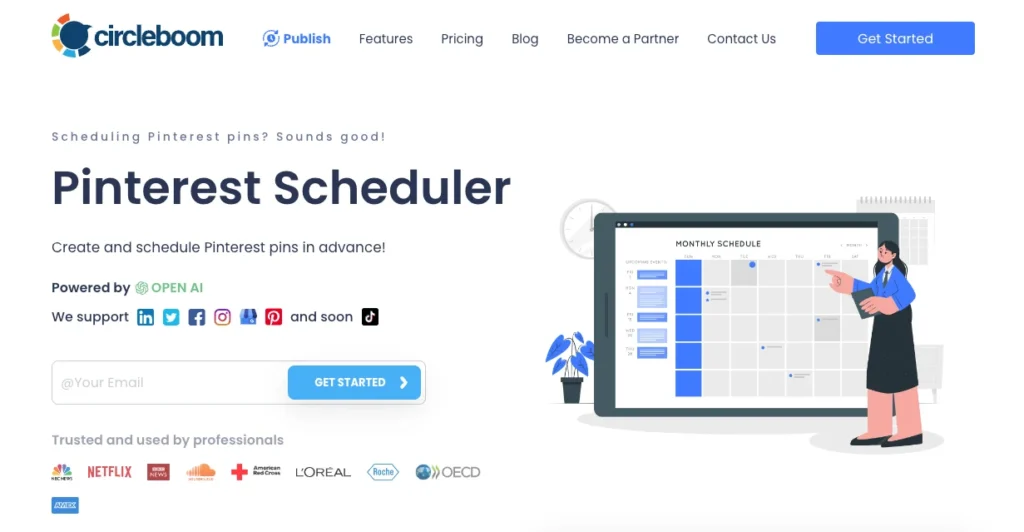
Circleboom Publish has become a go-to tool for managing my Pinterest content. It makes scheduling simple and stress-free, and everything feels easy to use from the start. What really stands out is how it connects smoothly with Canva and ChatGPT, so I can design visuals, write captions, and schedule posts all in one place. As a result, my content planning feels faster and more organized.
On top of that, the AI scheduler suggests the best times to post based on audience activity, which helps my pins reach more people. Moreover, I can quickly upload images, choose a time, and let the platform do the rest. Sharing from Google Photos, posting to multiple boards, and using tools like the hashtag generator and bulk uploader save me tons of time. Overall, Circleboom helps me stay consistent, creative, and efficient without extra effort.
AI Features
- Smart scheduling recommendations
- Automated queue management
- Content curation with AI suggestions
- Performance analytics
Pros
- Best for multi-account management
- Budget-friendly pricing plans with a free trial available
- Integration with ChatGPT and Canva
Cons
- A difficult learning curve for new users
- Advanced analytics are insufficient
Pricing
Starts at $24.99/month
Read Also: 10 Best AI Tools For Translation
2. Tailwind – Best AI Scheduler for Pinterest Growth
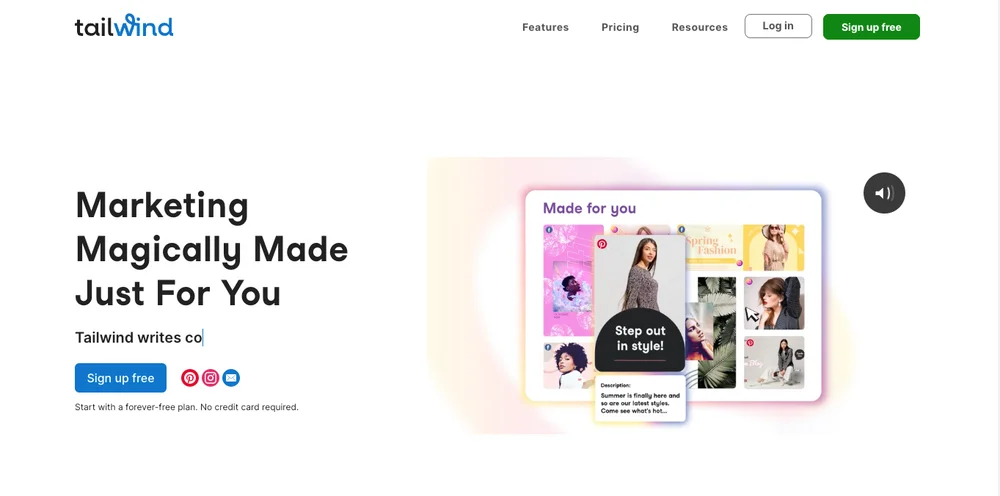
Tailwind is a great scheduling tool that makes managing Pinterest much easier. It comes with smart scheduling that recommends the best posting times, helping your pins get seen by more people. Plus, its analytics give clear insights into how your content is performing, making it easier to fine-tune your overall strategy.
I relied heavily on Tailwind when I first started taking Pinterest marketing seriously. The smart scheduling feature really stood out, as it showed me exactly when to post for the best results. In addition, the in-depth analytics also helped me understand my audience better and adjust my content. That said, the pricing felt a bit high for a small business like mine. Tailwind is among the best AI tools for Pinterest when it comes to scheduling pins.
AI Features
- SmartSchedule for best posting times
- SmartLoop automation
- Tailwind Create for pin design
Pros
- Smart scheduling features
- Comprehensive analytics
- User-friendly interface
Cons
- A bit expensive for small businesses
- Limited features in the free plan
- Learning curve for new users
Pricing
Starts at $29.99/month
3. Canva – Best AI Design Tool for Pinterest Pins

Canva is the design tool I rely on the most for creating Pinterest pins. It makes designing visuals quick and simple, no matter your skill level. With its easy-to-use layout and huge selection of templates, fonts, and images, it’s easy to create pins that look polished and grab attention.
I use Canva for nearly all of my Pinterest graphics because the drag-and-drop system is so straightforward. The large design library helps me bring ideas to life without much effort. While some advanced tools require a paid plan, the free version still offers plenty of features to create great-looking content. If you’re looking for the best AI tools for Pinterest in terms of pin creation, Canva is your best bet.
AI Features
- Magic Design
- Text suggestions
- Background remover
Pros
- Extensive library of Pinterest templates
- Affordable pricing
- Drag-and-drop interface
Cons
- Limited customization for advanced users
- Premium features locked behind a paywall
Pricing
Free / Pro at $15/month
4. Content Goblin – Best AI Content Tool for Pinterest SEO
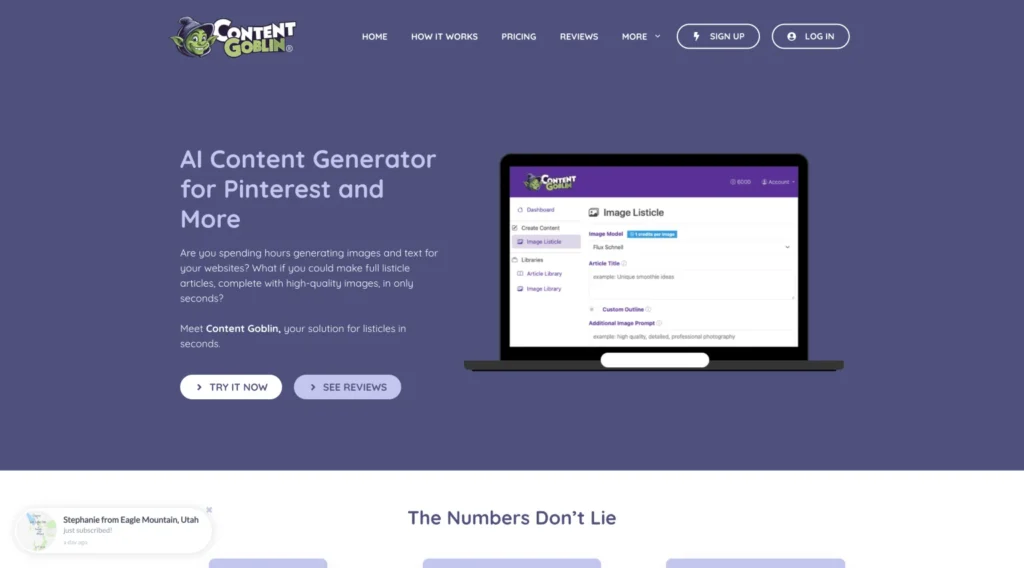
Content Goblin is a powerful AI tool that helps in AI Pinterest SEO optimization. It can quickly produce complete list-style SEO optimized articles with headings, visuals, and descriptions, all in just a few seconds. What really sets it apart is how well the content is designed for Pinterest’s visual-first style, making posts more engaging and easier to share.
The tool offers features like AI-written listicles, built-in image creation, and fast content generation across different niches. Additionally, it also allows direct posting to Pinterest and other platforms, which saves time and effort. Overall, it’s a great option for creators, bloggers, and businesses who want to grow their Pinterest content efficiently and keep the content SEO friendly.
AI Features
- SEO-friendly pin descriptions
- Content idea generation
- Fast bulk creation
Pros
- Saves time
- SEO-focused outputs
- Simple workflow
Cons
- No scheduling
- Limited customization
Pricing
Starts at $29/month
5. PinGenerator – Best Bulk AI Tool for Pinterest Scaling
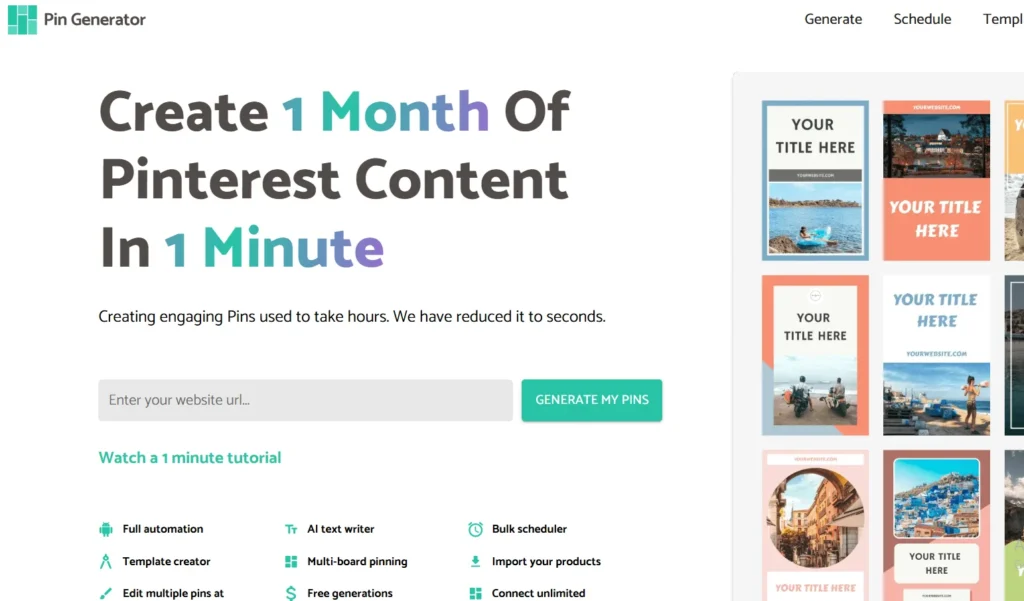
PinGenerator is a purpose-built AI platform designed specifically for Pinterest creators who need to produce large volumes of pins quickly and consistently. Unlike general design tools, PinGenerator focuses on rapid bulk content generation. It uses machine learning to create multiple visual variations from an initial design, automatically optimize text overlays, and generate SEO-friendly descriptions that are tailored for Pinterest’s visual search algorithm.
Instead of spending hours manually designing each pin or brainstorming captions, the tool’s AI handles template selection, layout optimization, and keyword integration at scale. Additionally, it supports bulk export options, which is a significant time-saver for creators and agencies managing multiple boards or client accounts. SEO-wise, PinGenerator can help boost visibility by suggesting keyword-rich titles and descriptions during generation.
Read Also: Best AI Voice Cloning Tools
AI Features
- Bulk pin creation
- Auto templates
- AI text generation
Pros
- Massive time savings
- Built for Pinterest
- Great for affiliates
Cons
- Higher price
- Learning curve
Pricing
Starts at $49/month
6. Jasper – Best AI Writing Tool for Pinterest Descriptions
Jasper is a premium AI copywriting tool. It’s powerful for writing optimized Pinterest content. The tool has helped me produce engaging copy for my pins, especially when I’m stuck and need a spark of inspiration. Moreover, this tool can save you a lot of time in drafting descriptions with the help of its AI-assistant.
With Jasper, writing persuasive pin descriptions and blog posts feels much easier. The content it generates is often impressively strong, though it occasionally needs some refinement. It’s essentially like having a copywriter on demand. The biggest drawback is the cost, which can add up if you rely on it often.
AI Features
- Long-form writing
- SEO mode
- Brand voice control
Pros
- High-quality output
- Flexible use cases
- SEO-friendly
Cons
- Expensive
- Can be expensive for frequent use
Pricing
Starts at $69/month
7. Predis.ai – AI Creative Tool for Pinterest Content
Predis.ai is an all-in-one AI creative platform designed to help content creators generate Pinterest-ready visuals and captions quickly and effectively. Unlike traditional graphic design tools, Predis.ai uses artificial intelligence to analyze current visual trends and recommend engaging design elements tailored to your niche.
The tool offers integrated caption and description suggestions, which are optimized for engagement and search visibility on Pinterest. The AI doesn’t just create visuals, it pairs them with compelling text that incorporates relevant keywords and calls-to-action. While Predis.ai is not a Pinterest-only platform, its focus on trend-aware content generation and social-media readiness makes it a highly useful component of any Pinterest growth stack. It’s especially valuable for solo creators, small teams, and marketers who need to produce high volumes of creative content regularly.
Pros
- Fast content creation
- Free plan available
Cons
- Limited customization
- Not Pinterest-specific
Pricing
Free / Paid from $32/month
Conclusion
Pinterest competition is rising fast. Manual methods won’t scale anymore. The right AI tools for Pinterest help you grow faster, save time, stay consistent, and outperform competitors. It is very important to choose Pinterest AI tools wisely and those that complement your business model.
FAQs
Are AI tools allowed on Pinterest?
Yes, if they follow Pinterest policies.
Can AI tools increase traffic?
Yes, when combined with SEO and consistency.
Do I need multiple tools?
Not always. One good tool can be enough.